There are a couple of different ways to handle Progress Reports.
First, the teachers have the ability to print out Progress Reports from their classroom, under
Grade Books | Reports. This will print out a PDF file containing all assignments grades with totals.
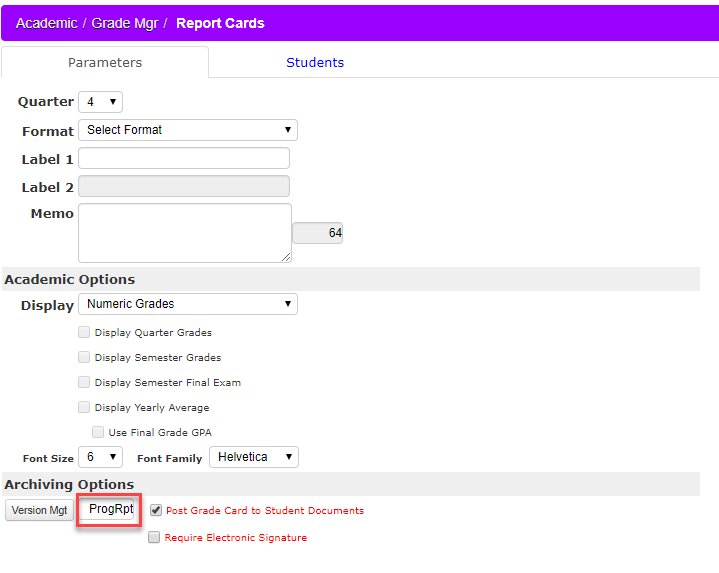
Second, the school can print out a Report Card at any time and simply label it 'Progress Report' or
any other label they wish. Some schools will generate Report Cards and use them for Mid-Term reports
as well. We allow you to change the name of a Report Card so schools can generate and use these whenever
they wish. You will want to be sure that the Version Mgt is unique, so that it doesn't get overwritten when
actually generating report cards.