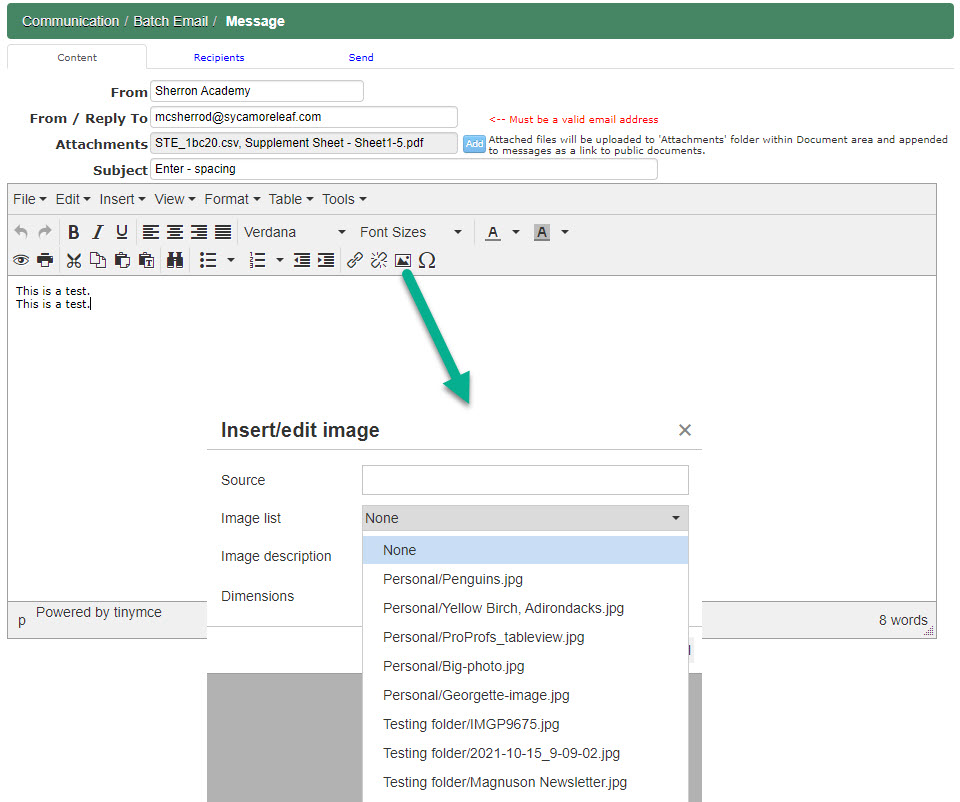
An image can be uploaded as a photo and then inserted into the email.
Go to School - Photo Albums - Click on a folder to add the photo to. Next, upload the image as a jpg. You can
then click on the Insert/edit image icon. Once the window that pops up, click on Image list and select the
image. It will populate in the content body of the email.